Bitwar PDF Converter Software provides many types of PDF conversion tools such as PDF to Image, PDF to Word, PDF to Excel, and many more. Presentation file which is PPT is one of the most commonly used file formats. So follow the tutorial below as it will show users how to convert PDF to PPT by using the PDF tool in the software!
Steps to Convert PDF to PPT
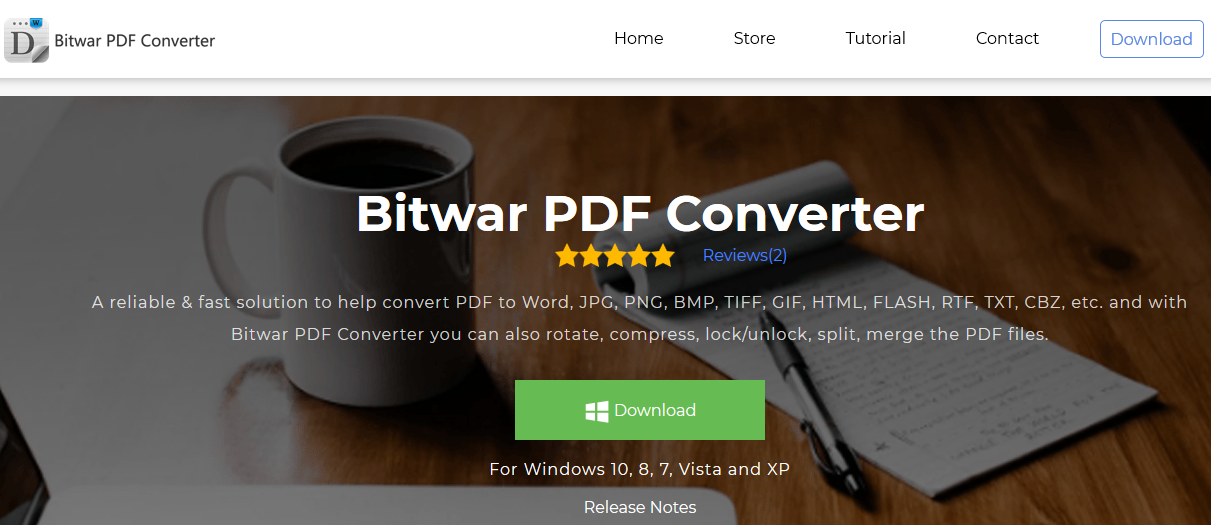
Step 1. Please Install or Download the latest version of the software from the official website here for free: https://www.pdfcword.com/
Step 2. Launch the software. Choose PDF to PPT from the left side of the main interface and click Add PDF File to add files.
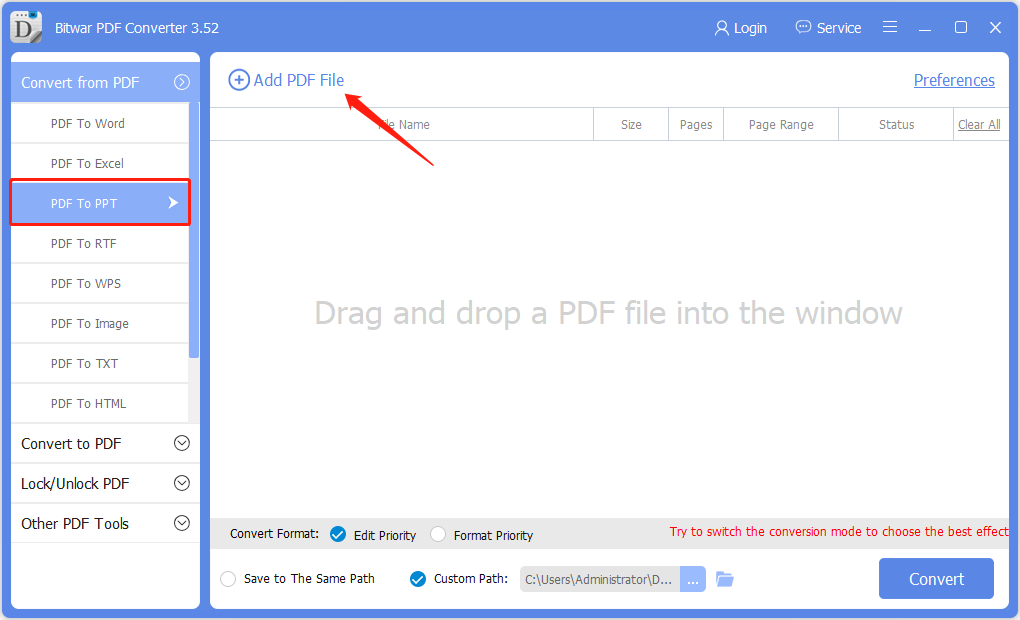
Step 3. Click Convert and wait patiently for the conversion to complete.
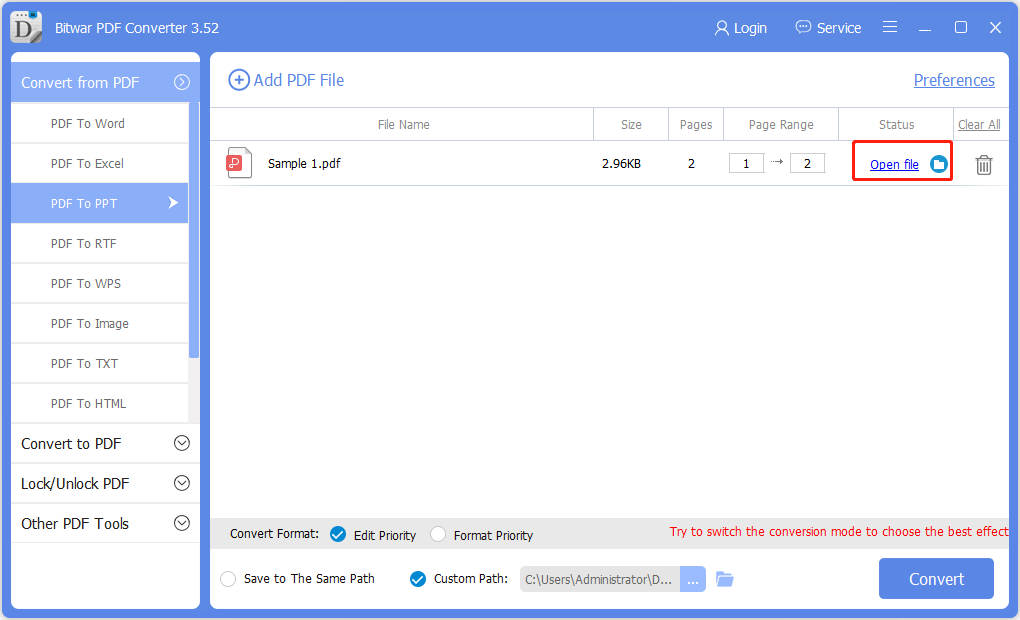
Step 4. When the conversion is complete, choose Open File to preview the new PPT file in the directory folder.
Let’s try it now!
Please refer here for more about PDF to PPT Converter.
 Bitwar Data Recovery